Home & Install Nozzle Tips
Step 1 of 6
Step 1: Level the Nozzles
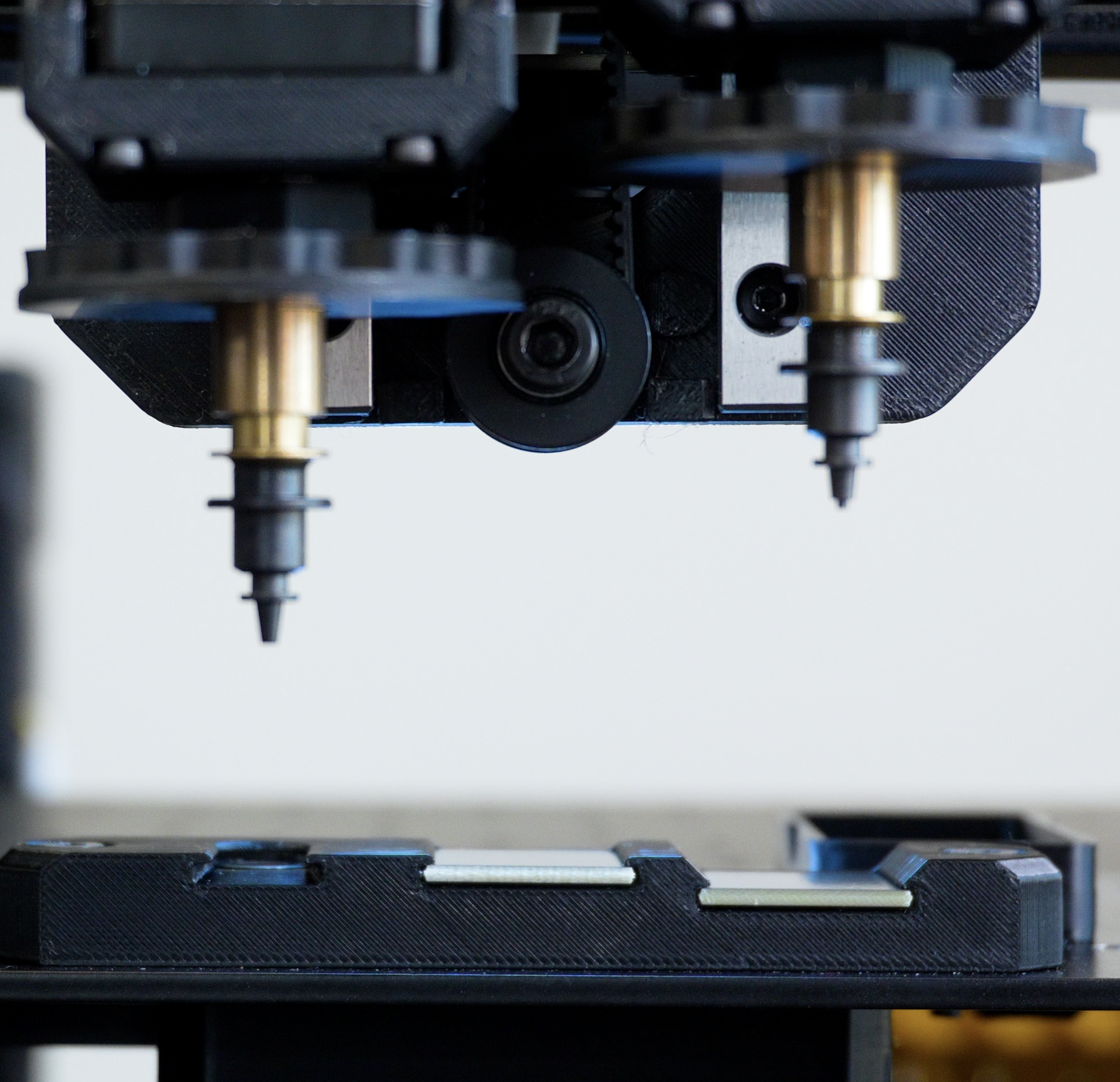
Before homing, make sure the nozzles has enough clearance to move safely.
- Confirm that both nozzles are raised and clear of anything they could collide with.
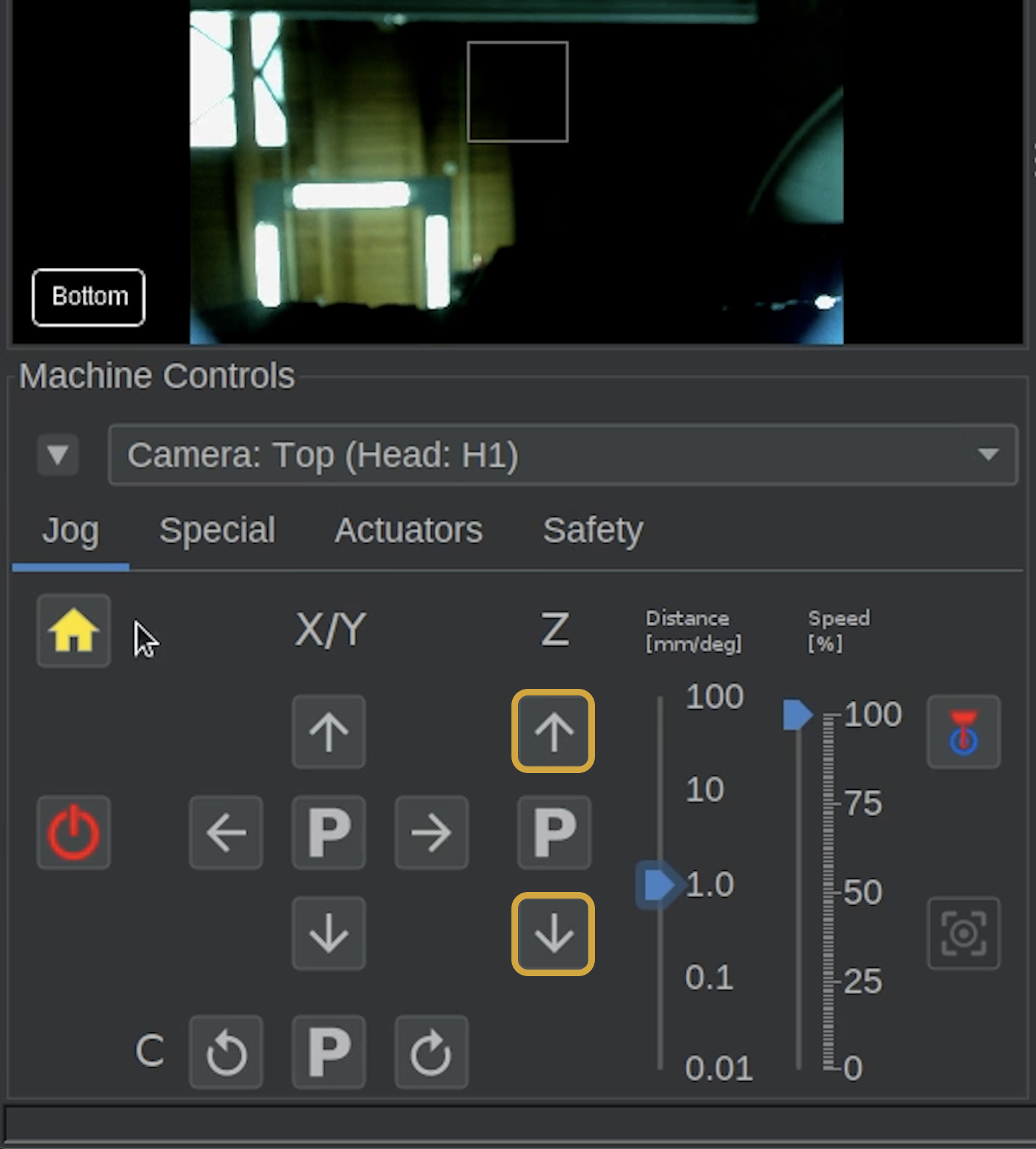
- You can adjust the nozzles height by using Z-axis jog controls
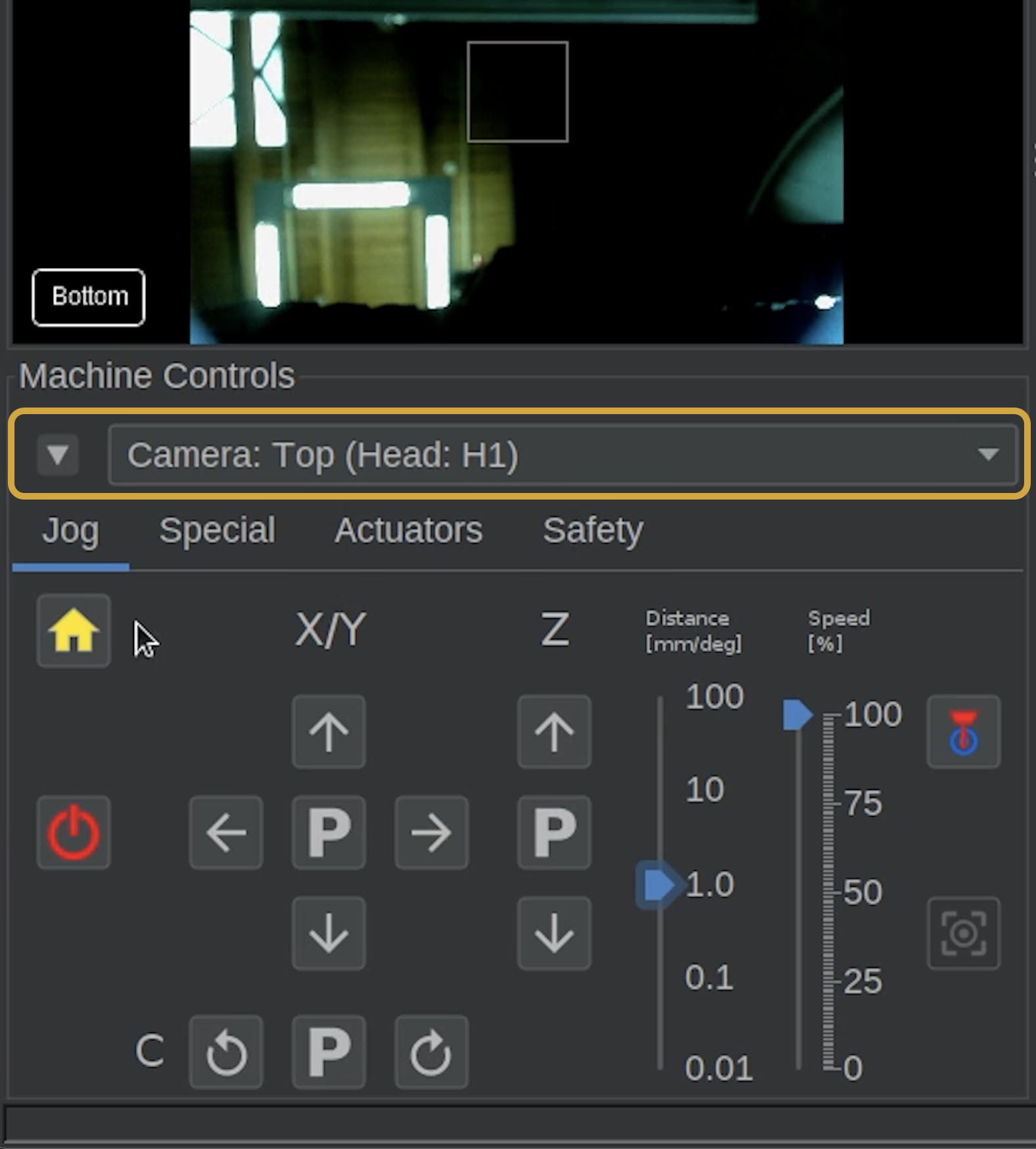
- If the nozzle's Z-height is not moving when you using the controls, check if Camera: Top is selected in the dropdown at the top of Machine Controls, and change it to Nozzle: N1.
Step 2 of 6
Step 2: Home the Machine
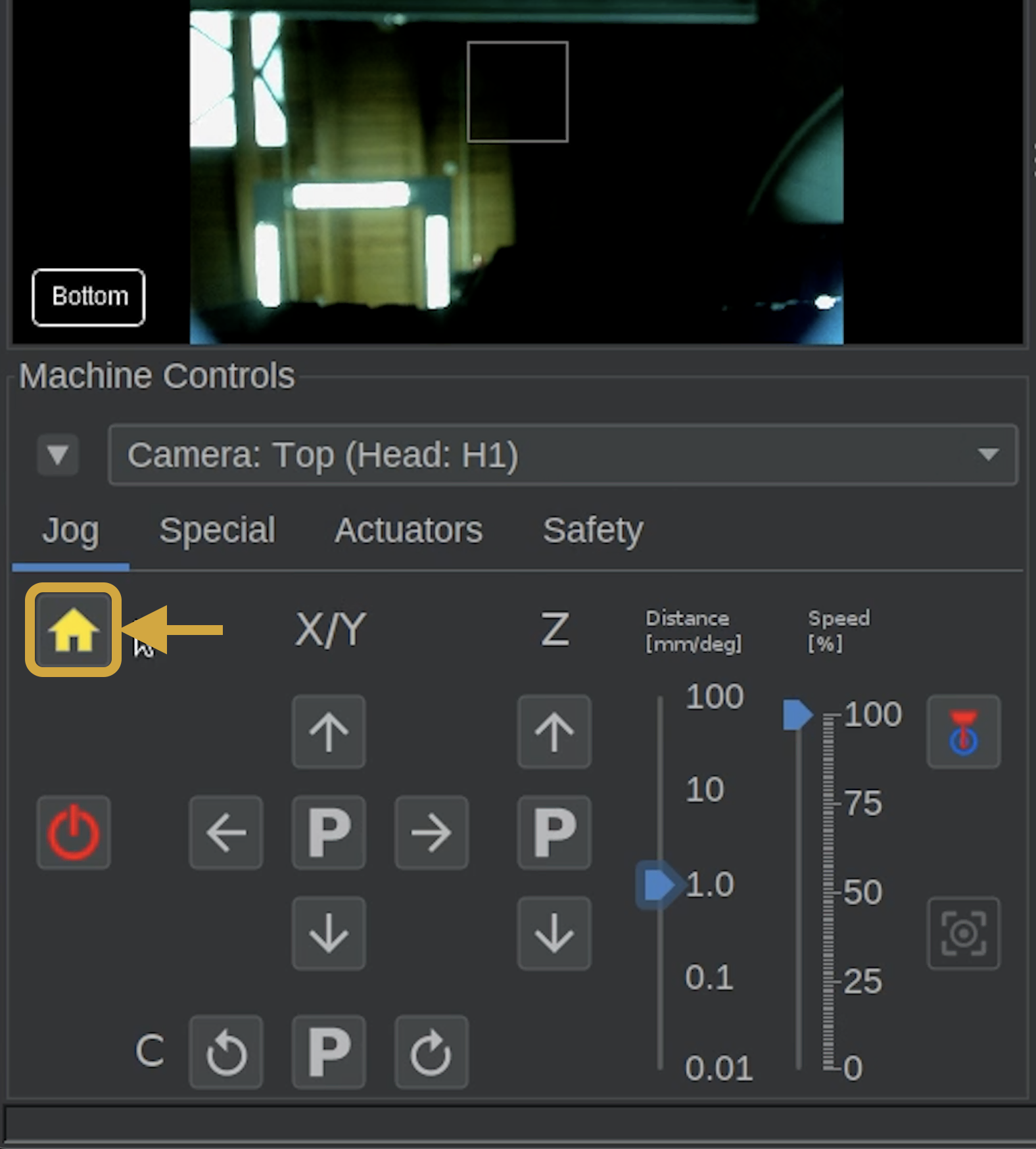

- In the bottom-left Machine Controls panel, locate the Home button directly above the Power button.
- Click the Home button to initiate homing.
- Allow the LumenPnP to complete its homing sequence.
-
The machine head should move to the front-left corner and remain there once homing is finished.!!! info "Why Does the Machine Stay at the Front Left?" This is expected! Your LumenPnP is using its initial homing configuration.
Later, during Issues and Solutions, we'll configure the additional calibration and homing procedures.
Step 3 of 6
Step 3: Identify and Prepare the Nozzle Tips
- Find the lubrication that was supplied with your LumenPnP and apply a light, even coating to the nozzles.
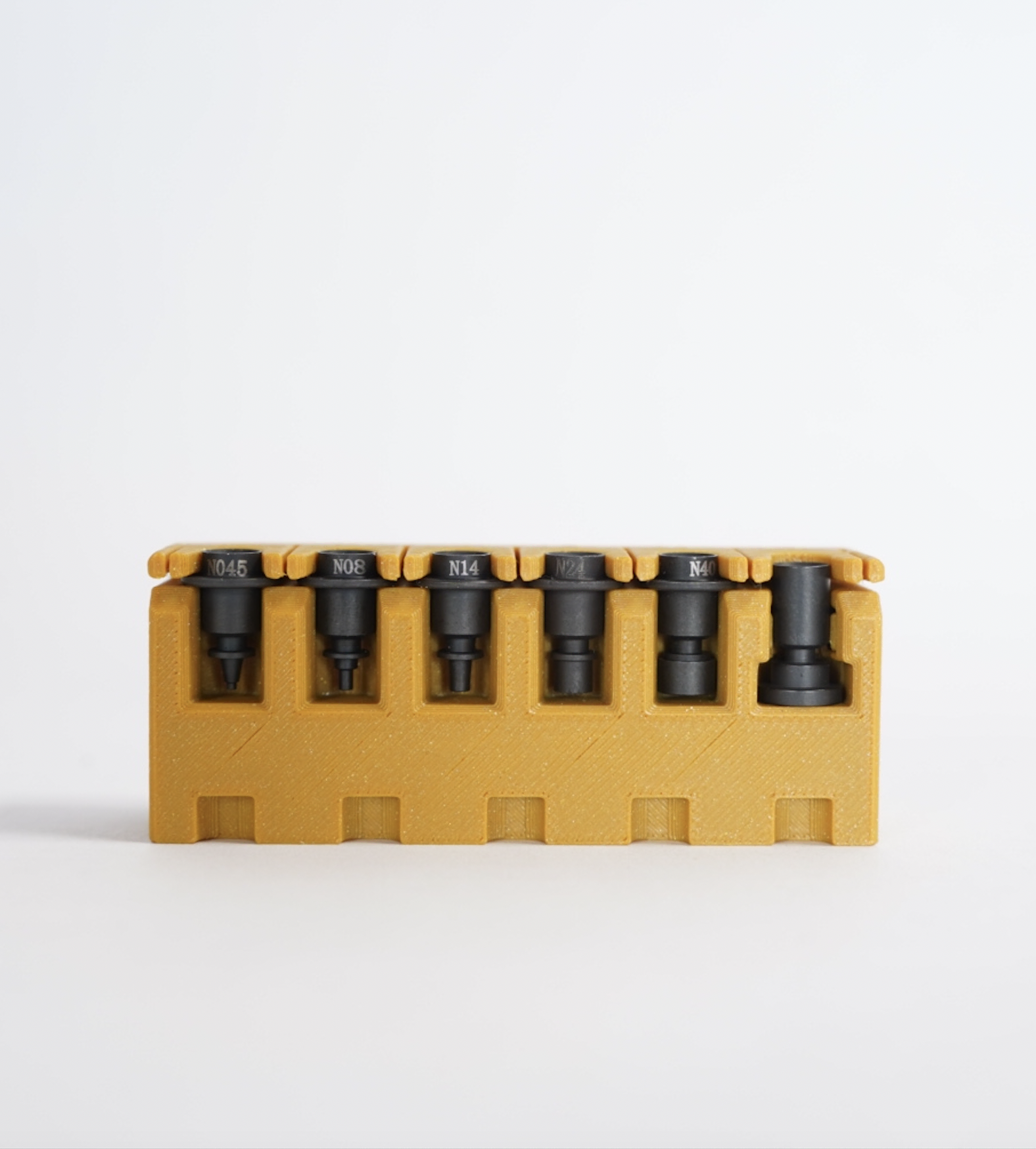
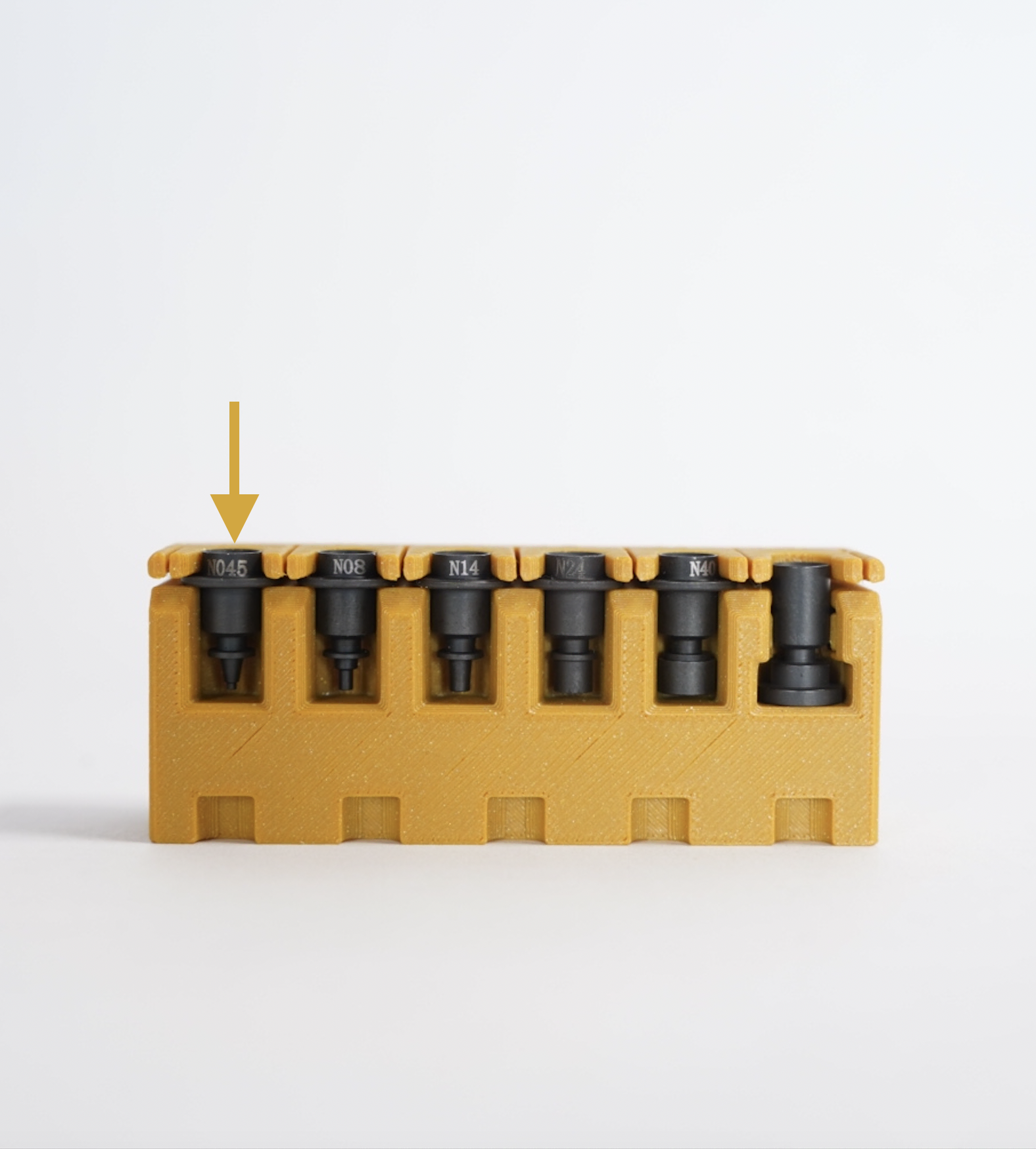
- Locate the nozzle tip rack supplied with your LumenPnP.
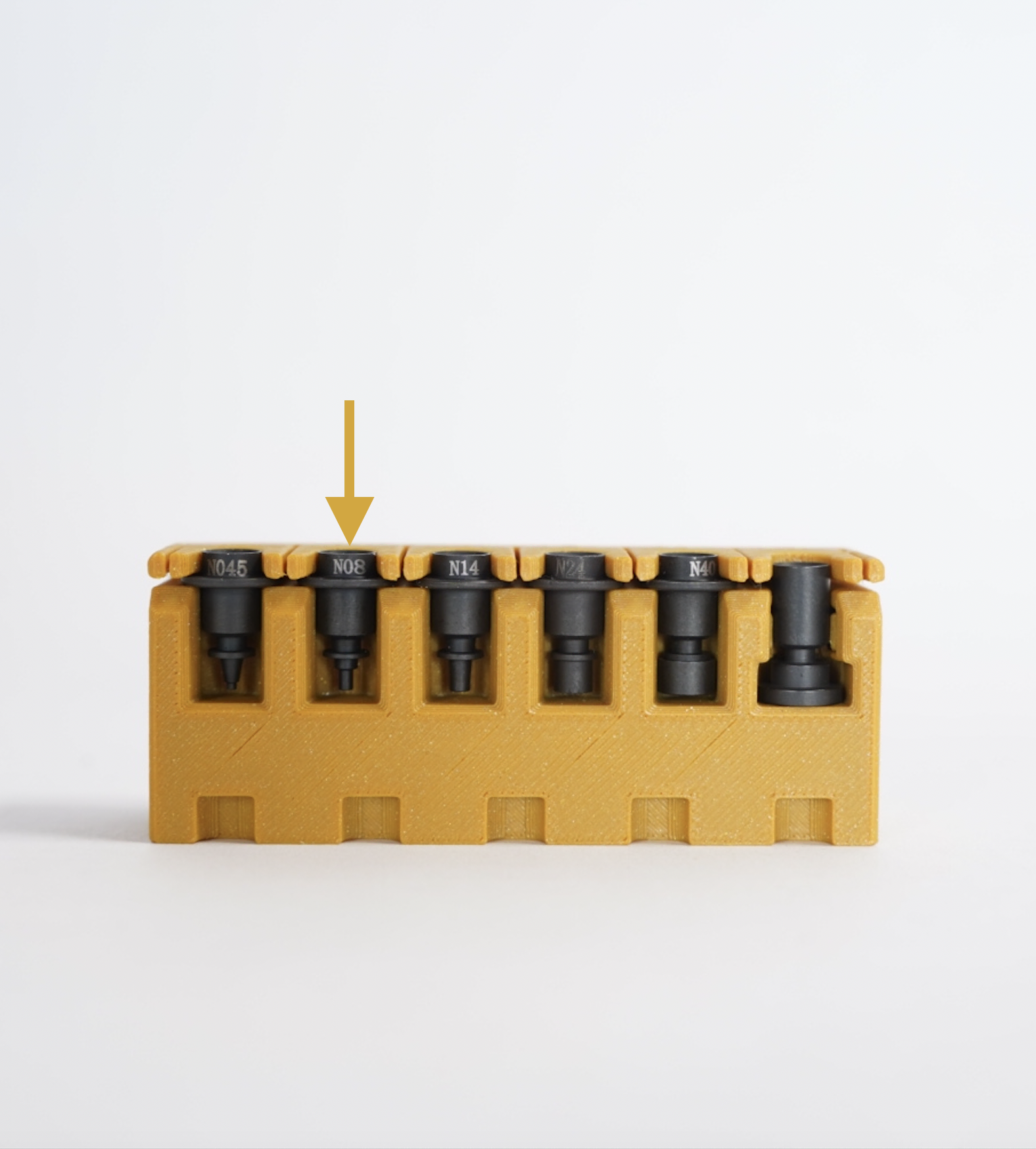
- Identify the N08 nozzle tip, located second from the left.
- Identify the N045 nozzle tip, located on the far left of the rack.
Nozzle Nozzle Tip N1 N08 N2 N045
Step 4 of 6
Step 4: Install N08 on Nozzle N1
We'll start by installing the N08 nozzle tip on N1 (left nozzle).
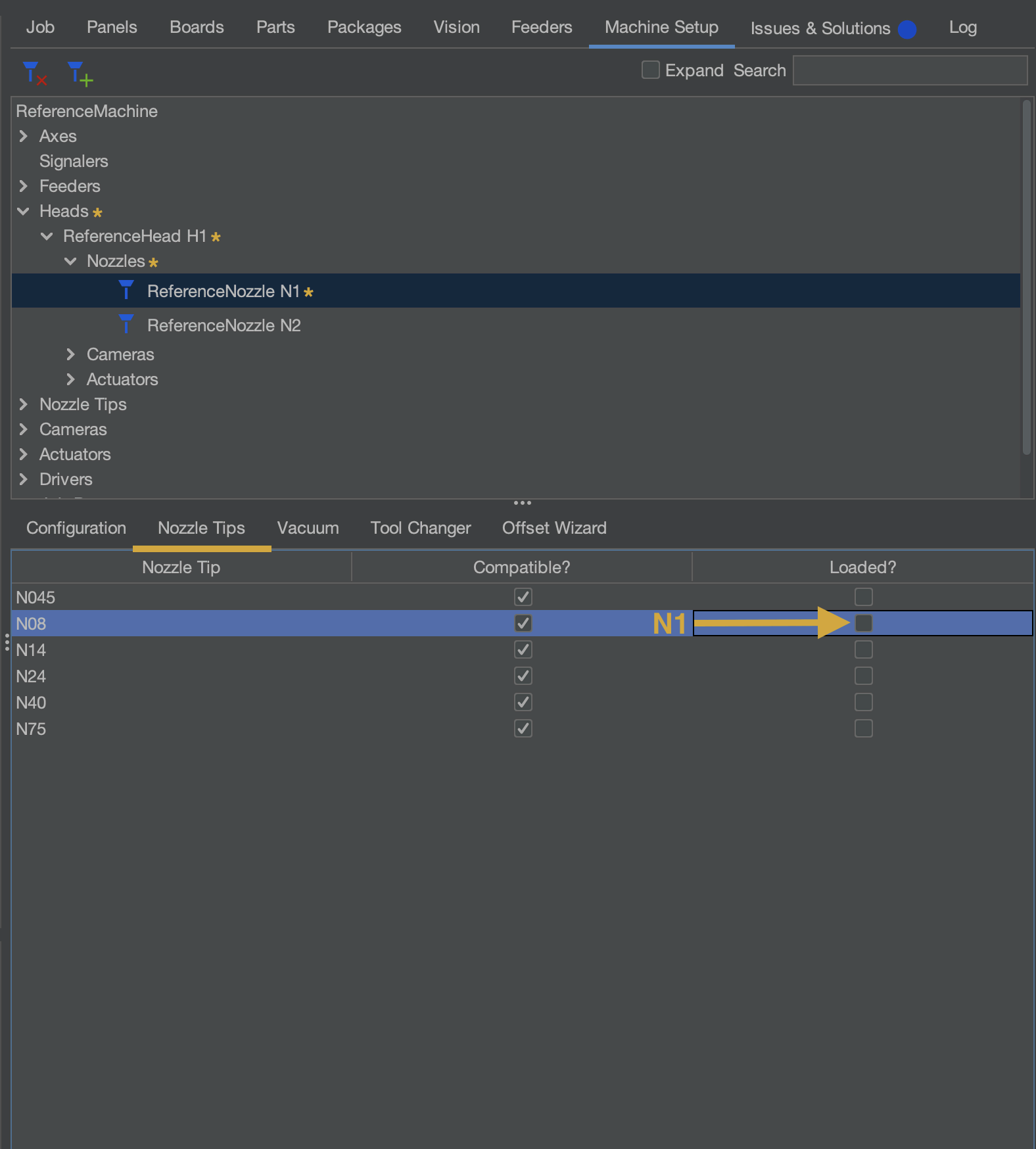
- Navigate to Machine Setup > Heads > ReferenceHead H1 > Nozzles > ReferenceNozzle N1, and select the Nozzle Tips tab
- Use the N08 row's
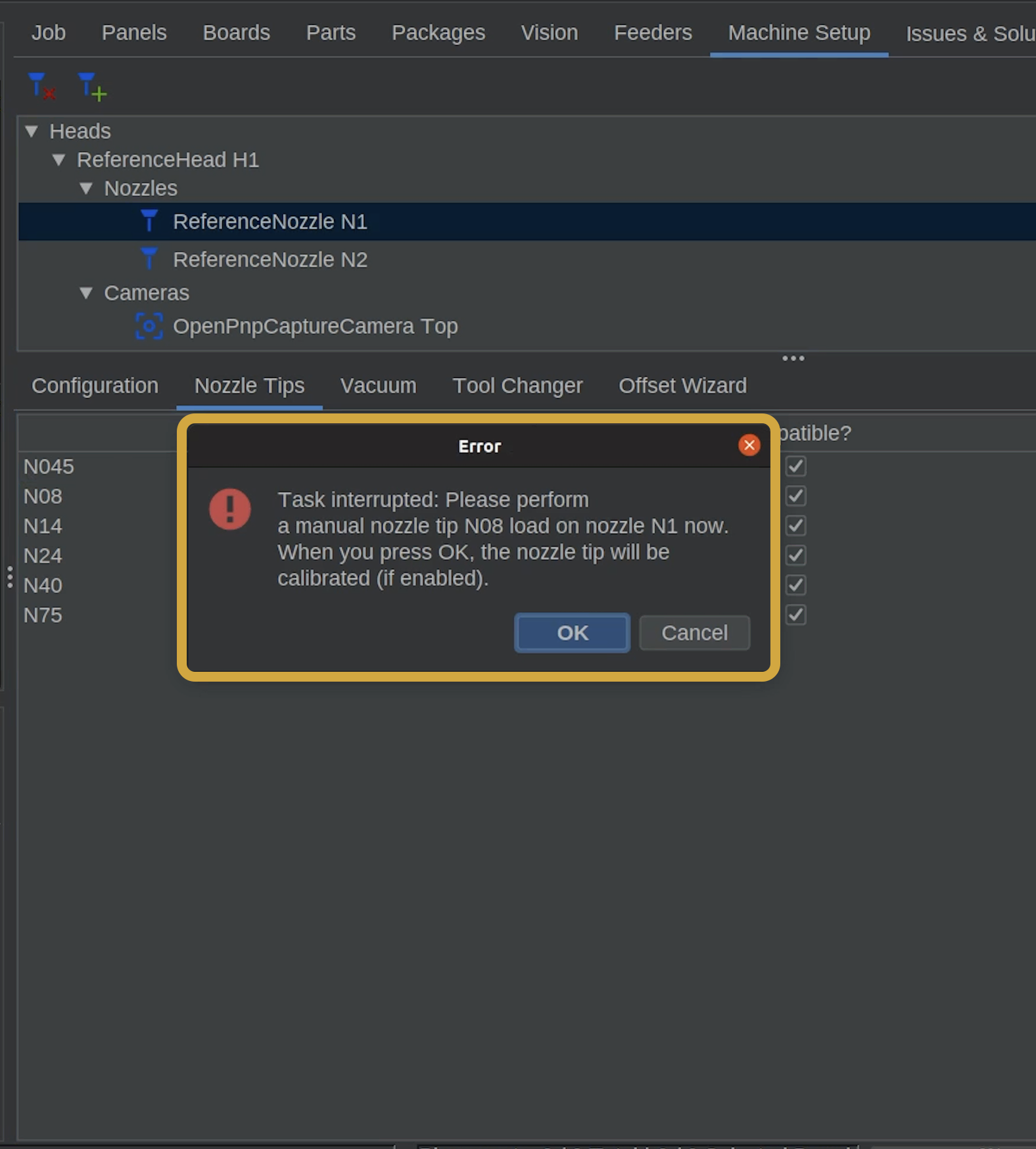
loaded?checkbox to assign N08 to N1. - OpenPnP will display a confirmation message,disguised as an error message, asking you to install the nozzle tip.
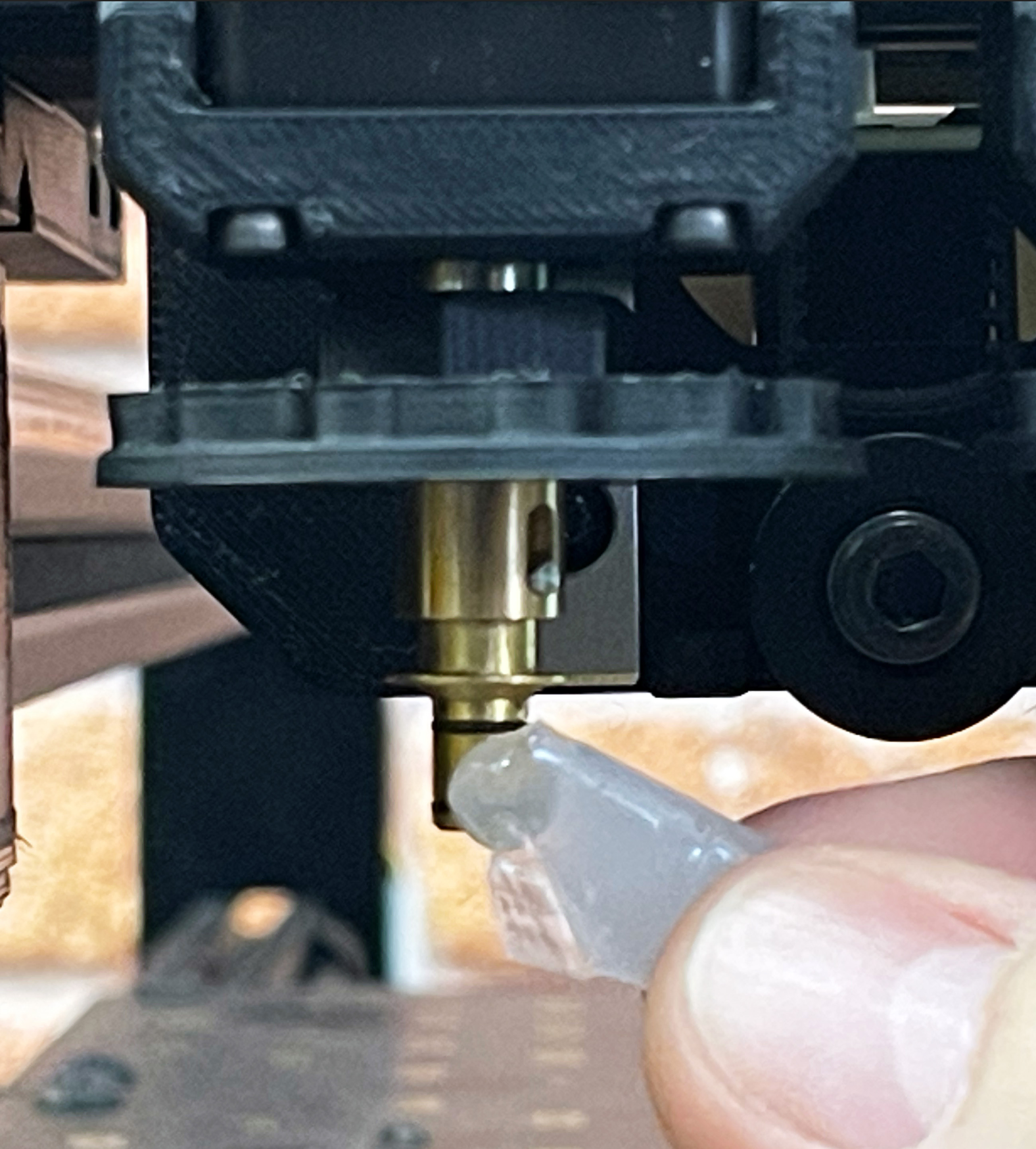

- Carefully install N08 onto nozzle N1. Make sure the tip is fully seated.
- Make sure the nozzle tips can slide on and off smoothly without excessive force.
- Once the nozzle tip is properly installed, confirm the message in OpenPnP.
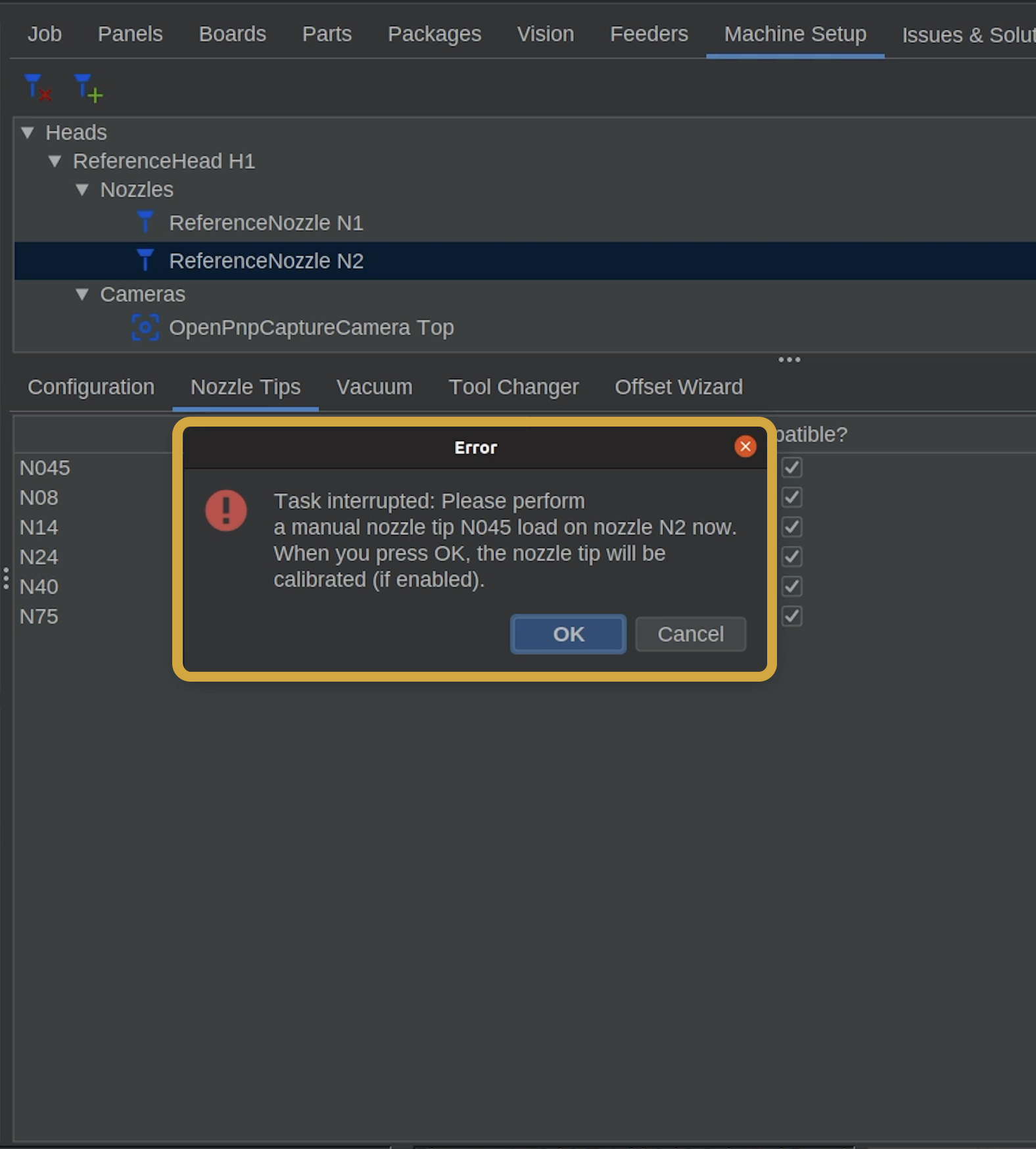
The Error Message Is Normal
When assigning a nozzle tip, OpenPnP displays a message that looks like an error.
This is not an error. OpenPnP has paused to let you manually install the requested nozzle tip.
Only confirm the message once the correct nozzle tip is installed.
Step 5 of 6
Step 5: Install N045 on Nozzle N2
Now we'll repeat the process for N2.
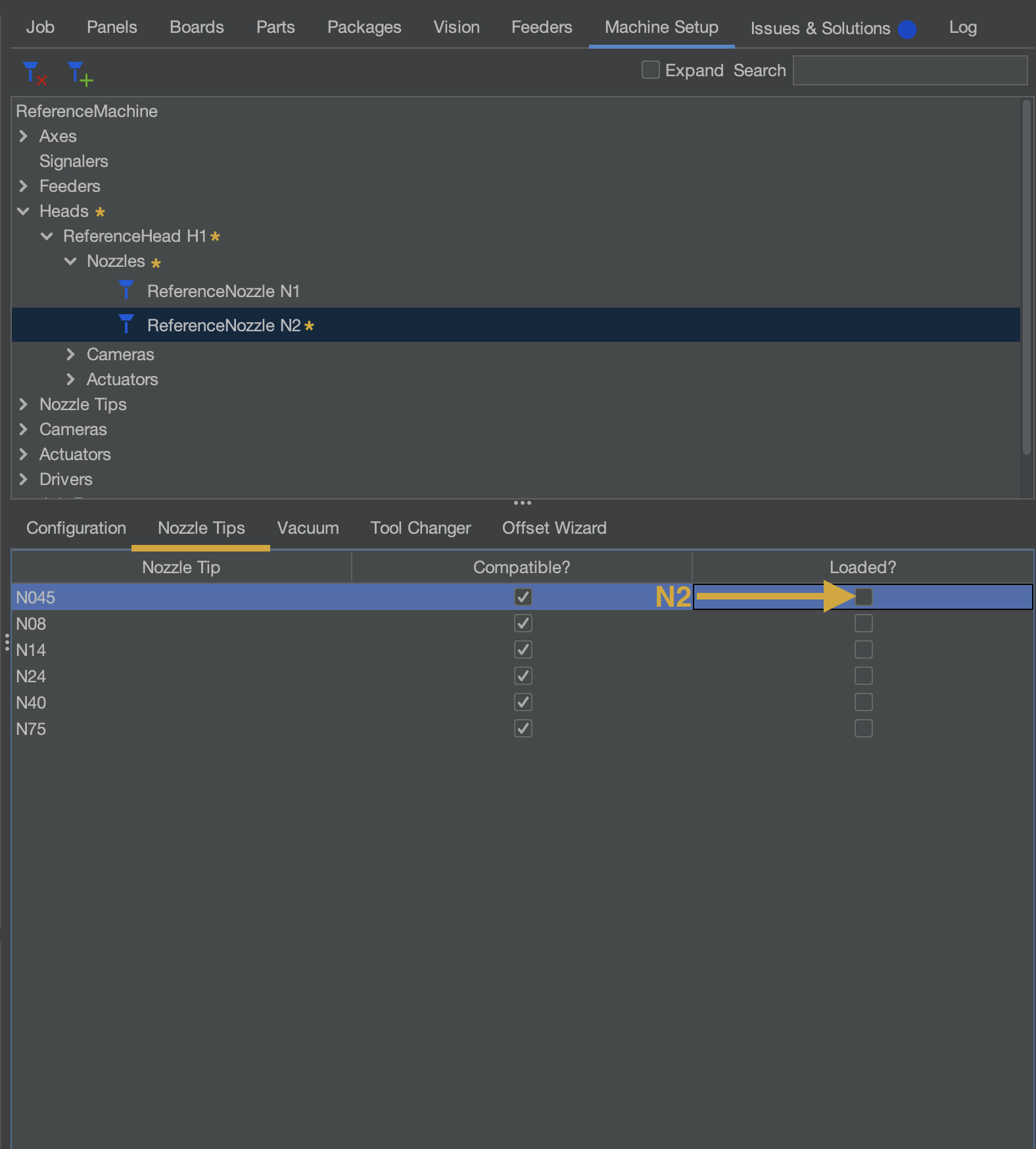
- Navigate to nozzle N2, Nozzles > ReferenceNozzle N2, and select the Nozzle Tips tab if not already selected
- Use the N045 row's
loaded?checkbox to assign N045 to N2. - OpenPnP will display a confirmation message,disguised as an error message, asking you to install the nozzle tip.

- Carefully install N045 onto nozzle N1. Make sure the tip is fully seated, and click OK for the message in OpenPnP.

Step 6 of 6
Next Steps
Homing and Nozzle Tips Complete
With your nozzle tips installed on the LumenPnP, we're ready to begin the calibration process.
Next, click the Issues & Solutions tab towards the top right of OpenPnP.
Then, click the button below: