Primary calibration fiducial position & initial camera calibration
Step 1 of 8
Step 1: Open and Refresh Issues & Solutions
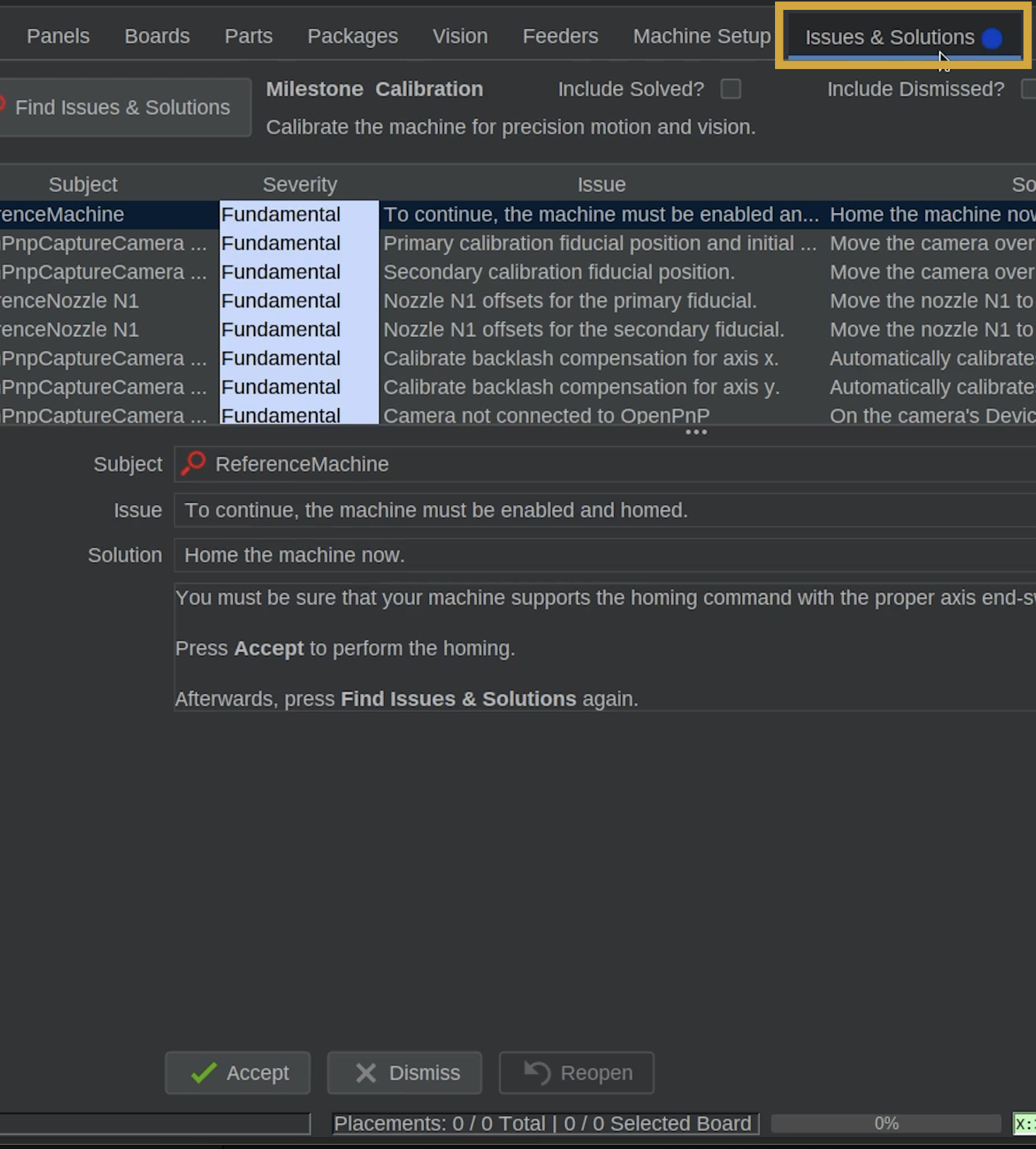
- In OpenPnP, locate and select the Issues & Solutions tab near the top-right corner of the application to open the calibration task list..
- The first step is a preliminary step, which asks us to home the LumenPnP.
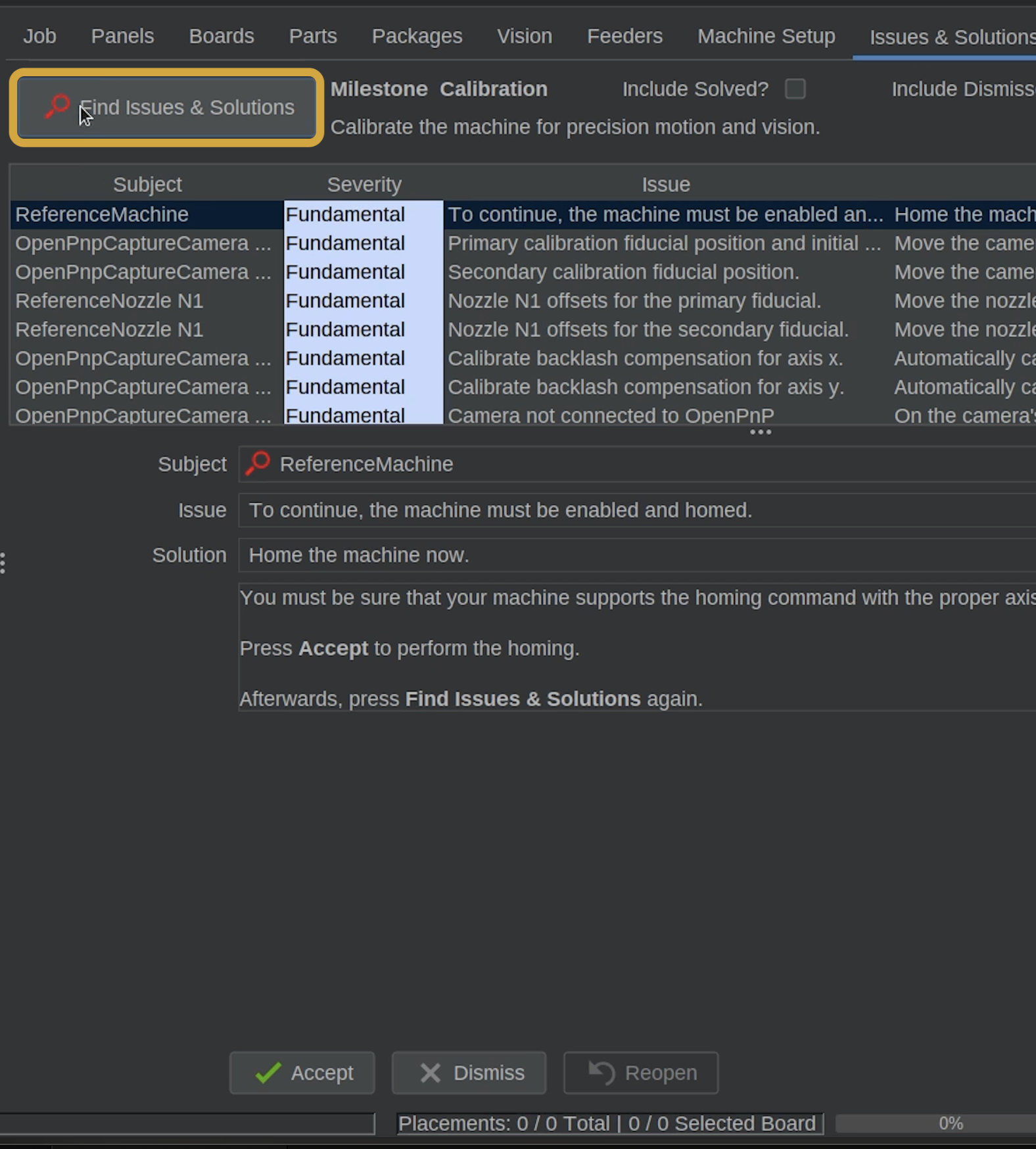
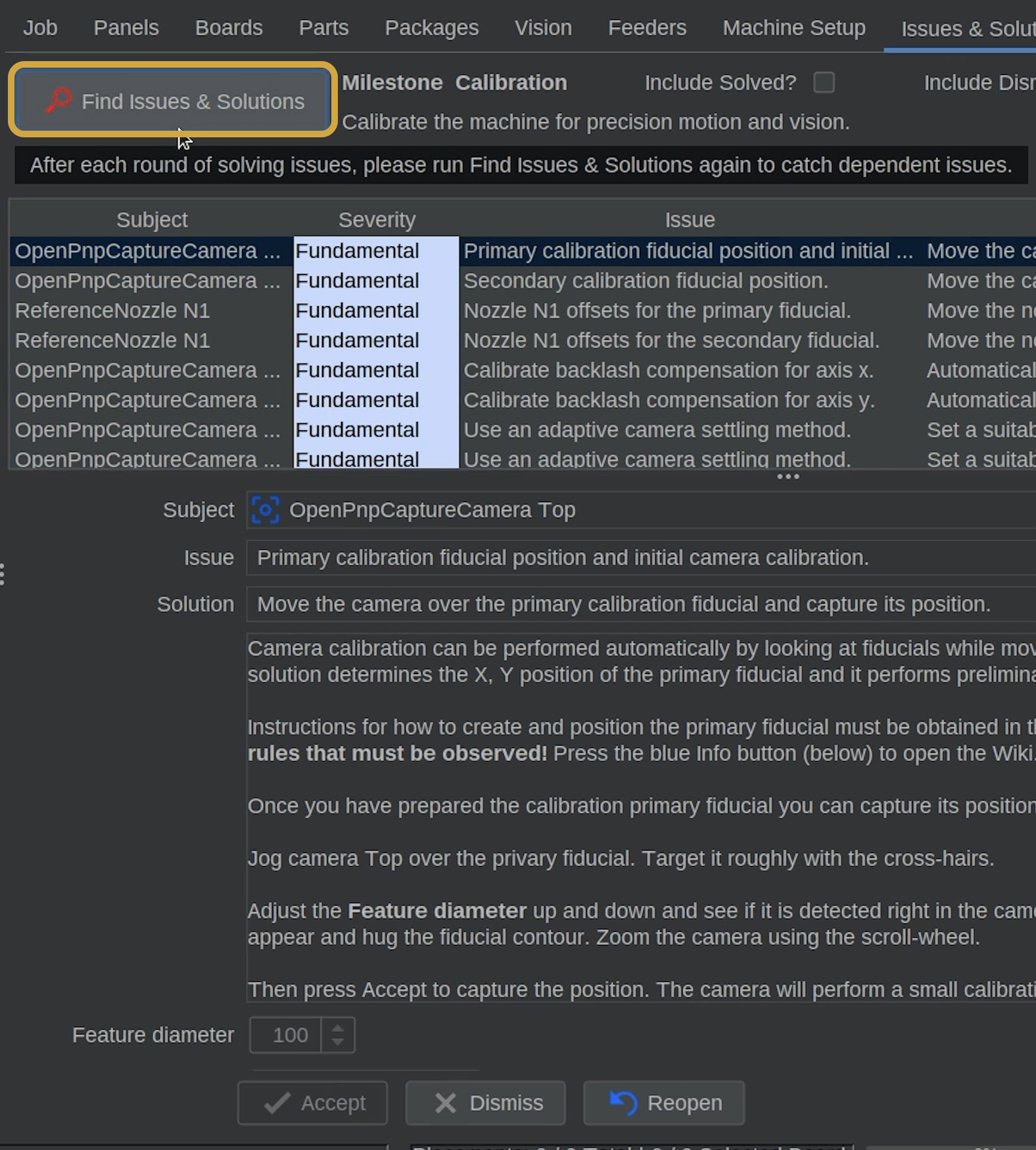
We do not need to home the machine because we have already done so earlier. - Locate the Find Issues & Solutions button, and click it to refresh the available calibration tasks.
- OpenPnP will check the current configuration, remove completed tasks, and display the next issues requiring attention.
- After clicking the Find Issues & Solutions button, the list will populate the next task you need to complete.
Refresh After Every Calibration Task
After completing an Issues & Solutions task, always click Find Issues & Solutions again.
This updates the list and allows OpenPnP to identify the next task that needs to be completed.
Step 2 of 8
Step 2: Select Primary calibration fiducial position & initial camera calibration
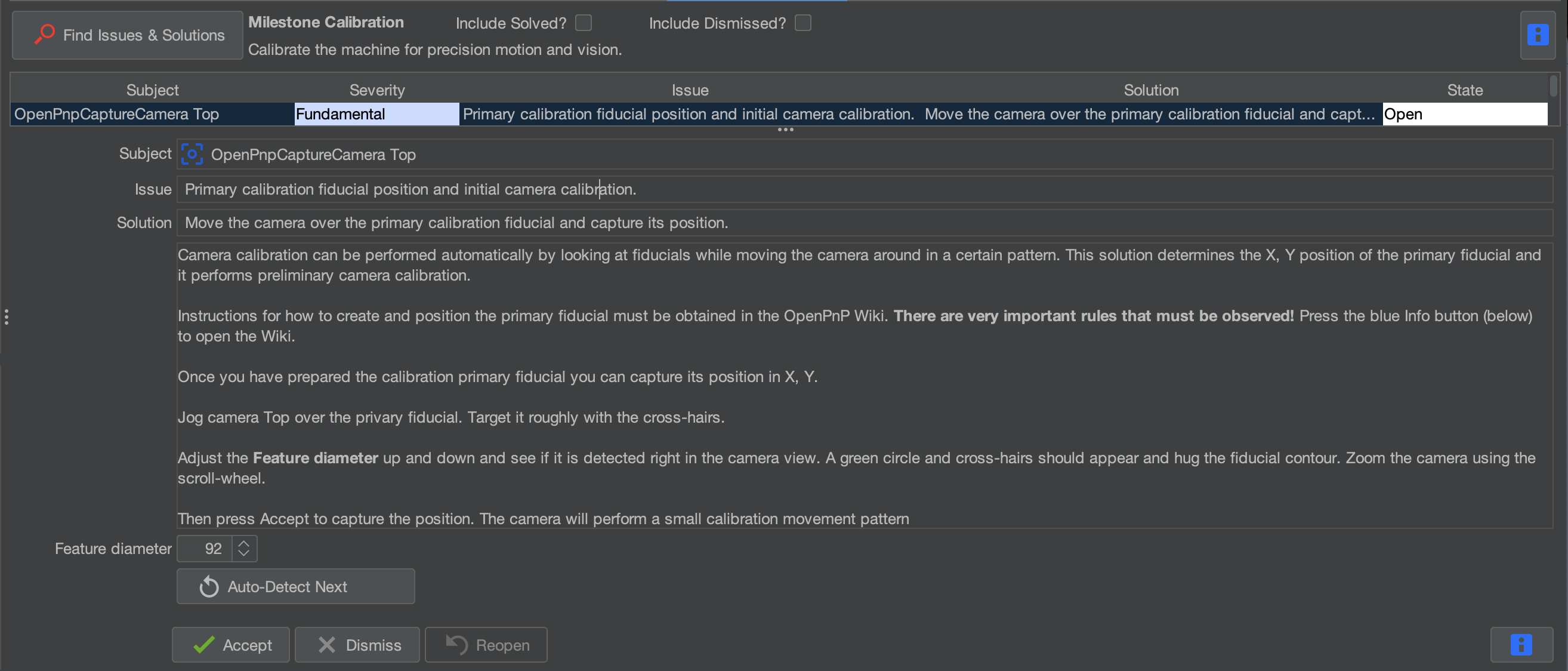
- After clicking Find Issues & Solutions in the previous step, locate the next task Primary calibration fiducial position & initial camera calibration.
Step 3 of 8
Step 3: Locate the Primary Fiducial
The primary fiducial is the taller of the two circular calibration markers located around the bottom camera location on the LumenPnP.
- Locate the primary fiducial on your machine.
- We'll use the top camera to identify its exact position in OpenPnP.
Step 4 of 8
Step 4: Move the Top Camera Over the Fiducial
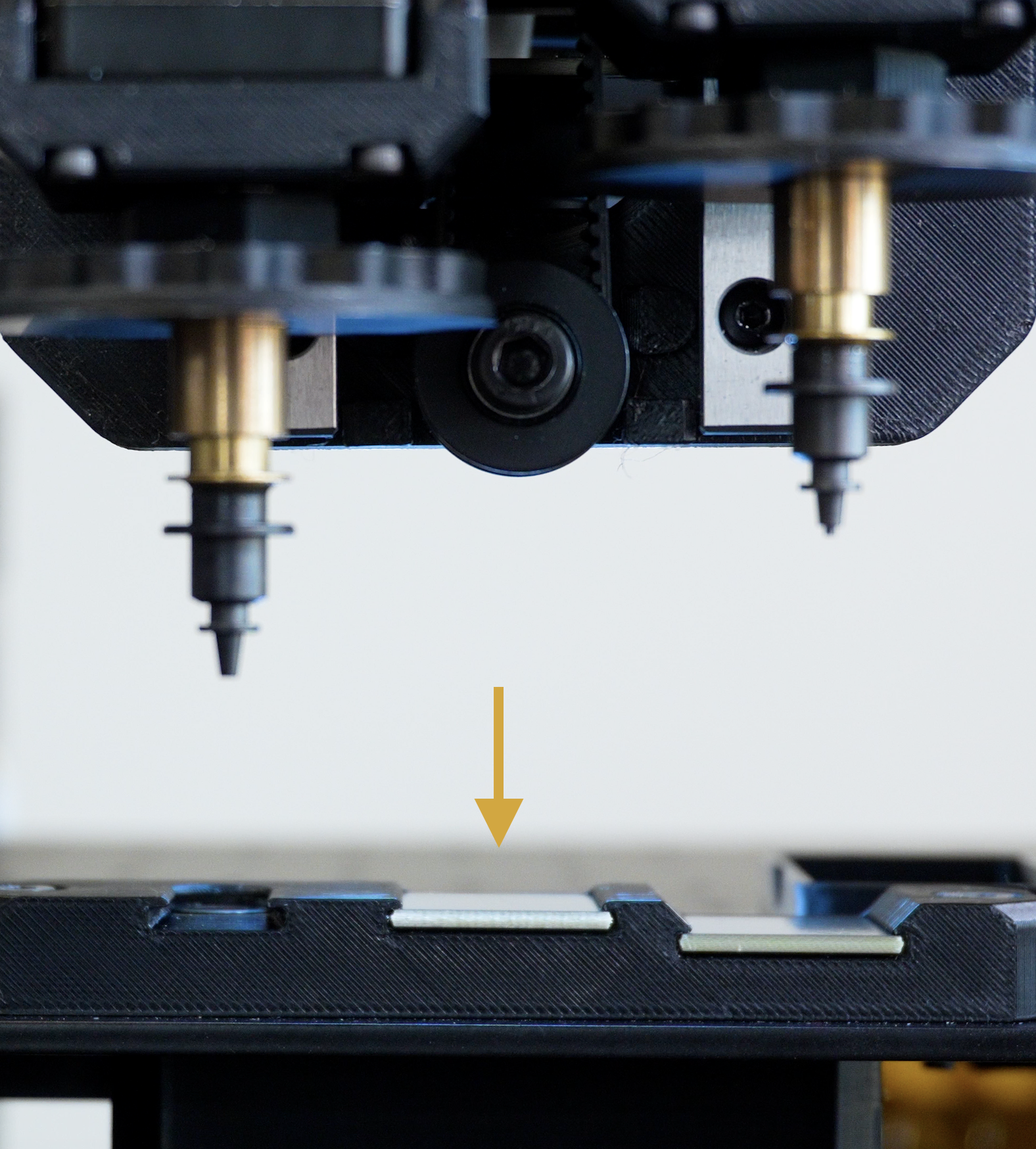
- First, ensure the nozzles are clear from colliding with anything.
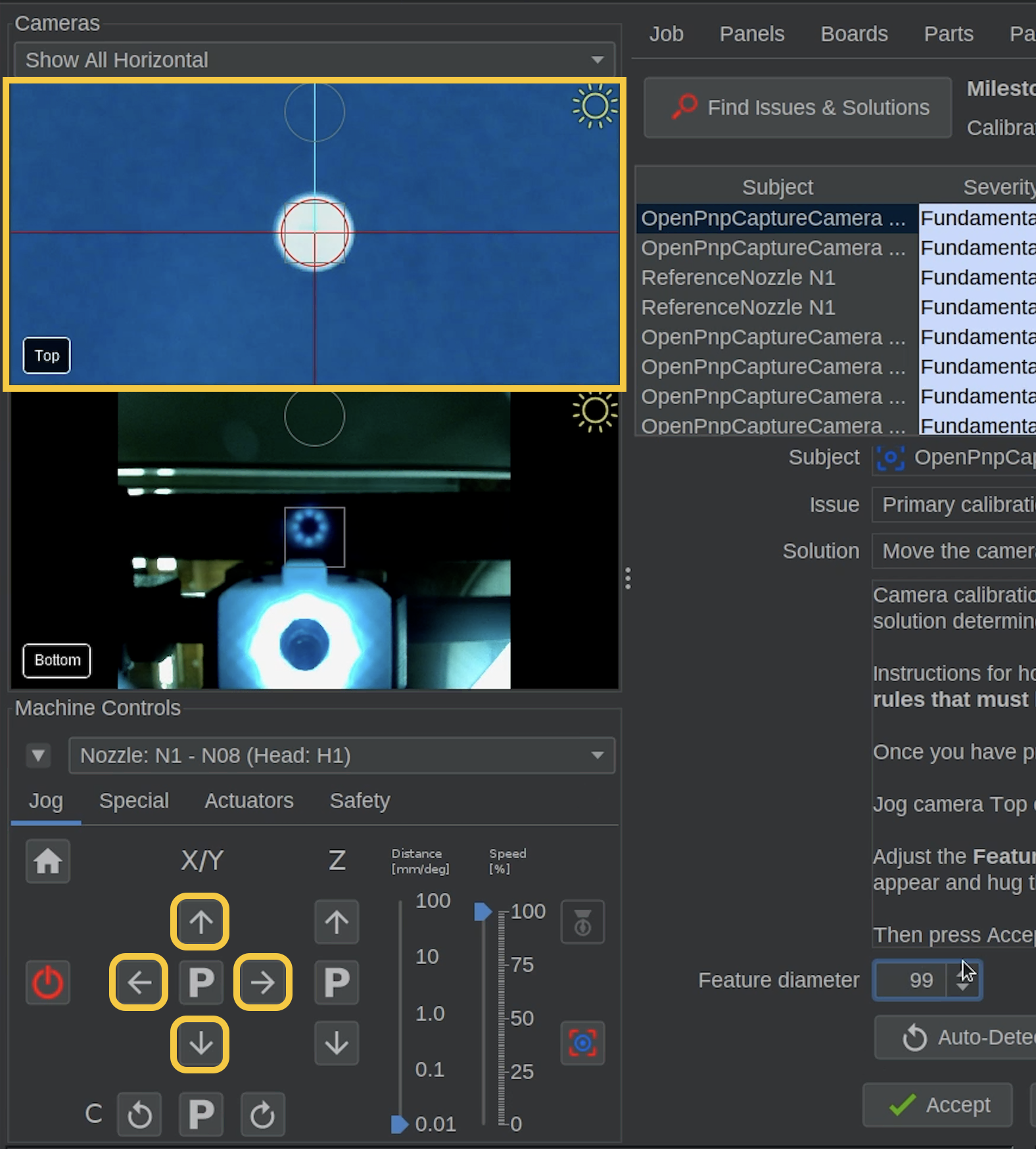
- In Machine Controls, locate the X/Y Jog Controls.

- Use the jog controls to move the top camera toward the primary fiducial.
- As you approach the fiducial, reduce the jog distance for more precise movement.
- Continue until the primary fiducial is approximately centered in the top camera preview.
Different Reticles
Right click on the top camera and choose reticle to see which reticle you prefer to use.
We use the fiducial reticle in most of this guide.
Step 5 of 8
Step 5: Detect the Primary Fiducial
Once the camera is centered over the primary fiducial, return to the Issues & Solutions task.
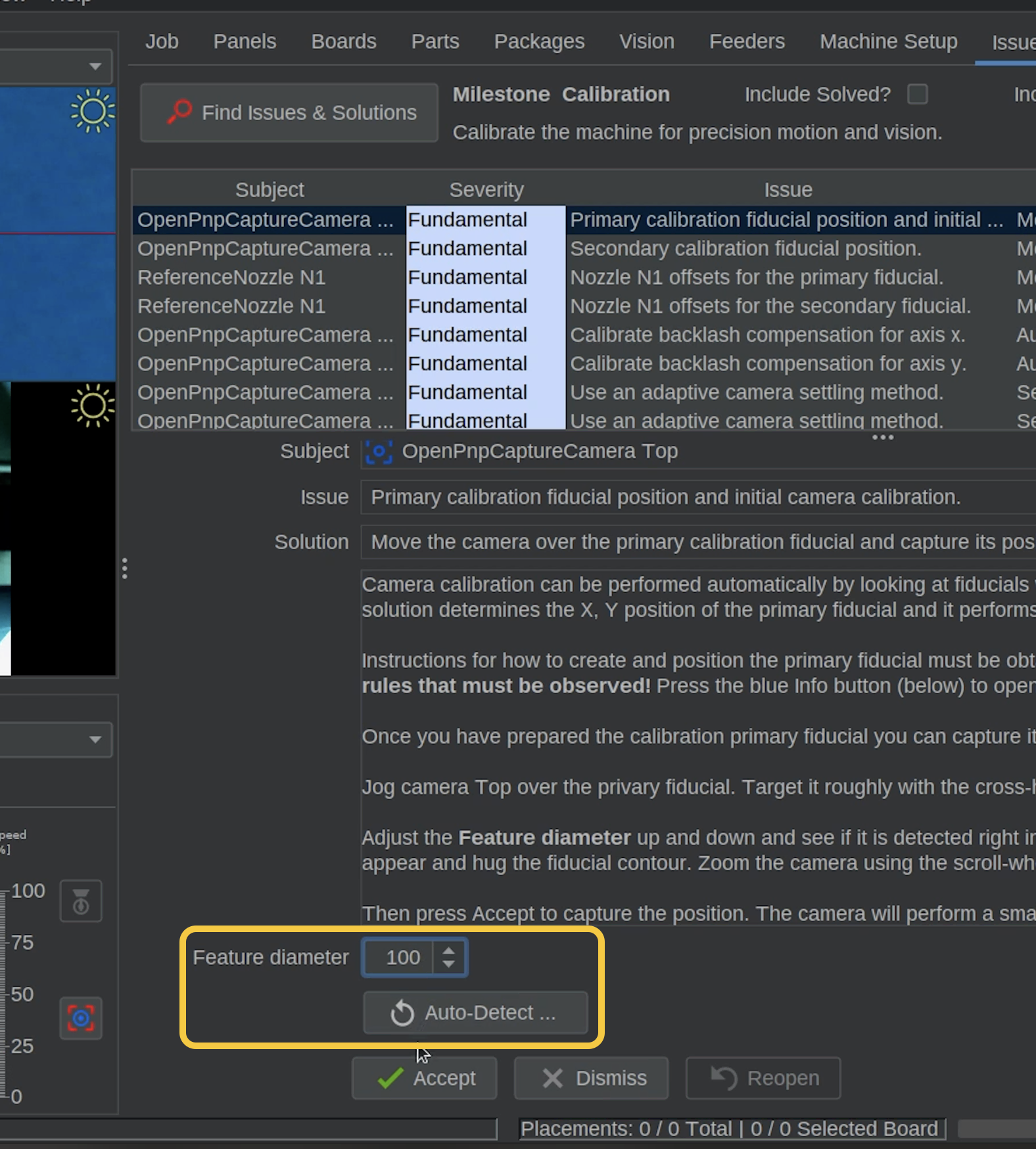
- Locate the Feature Diameter setting. (If you do not see it, try scrolling down in the bottom pane)
- Adjust the feature diameter value until OpenPnP correctly detects the primary fiducial.
- You can manually adjust the value, enter a number, or use the automatic scanning option.
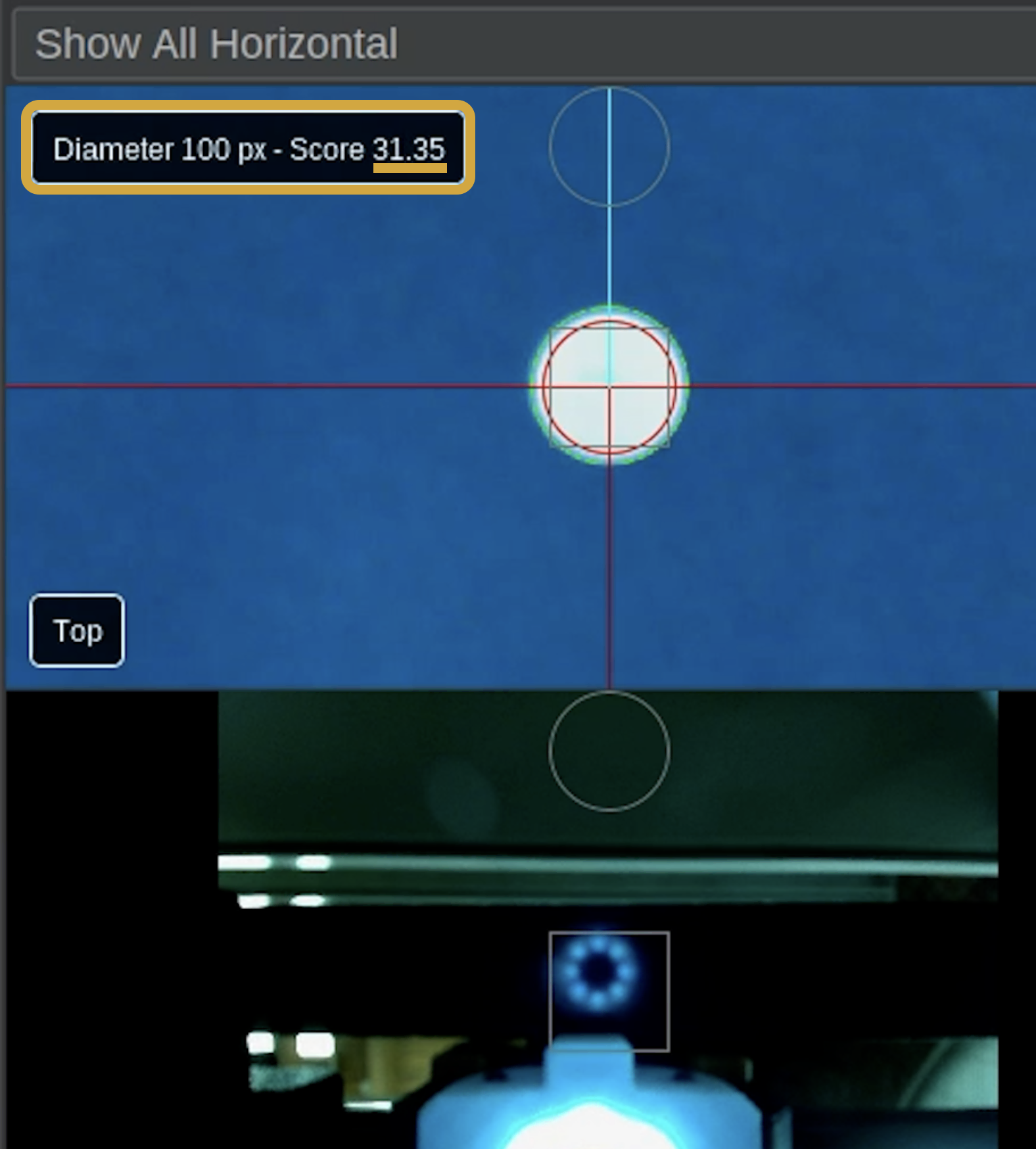
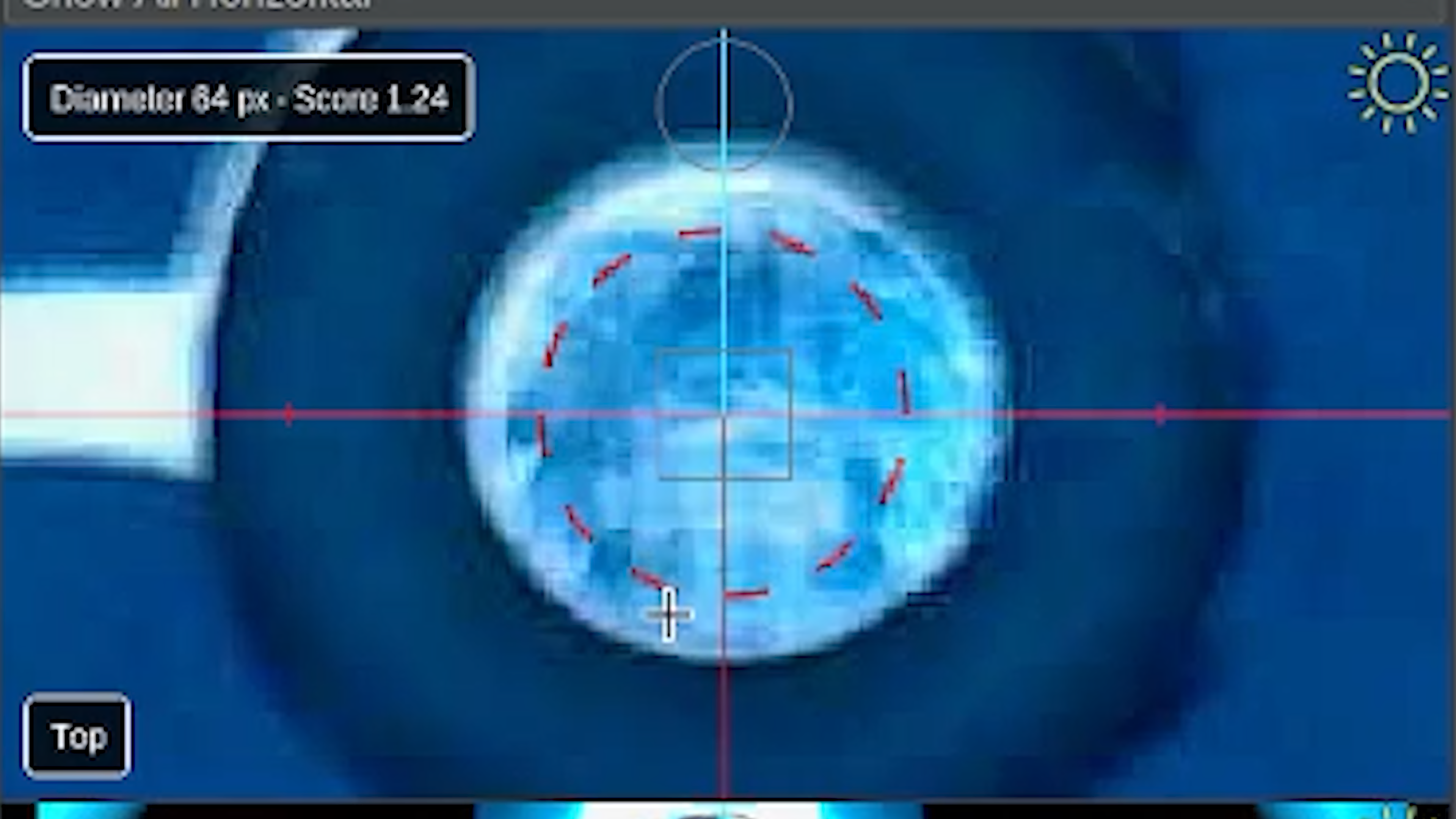
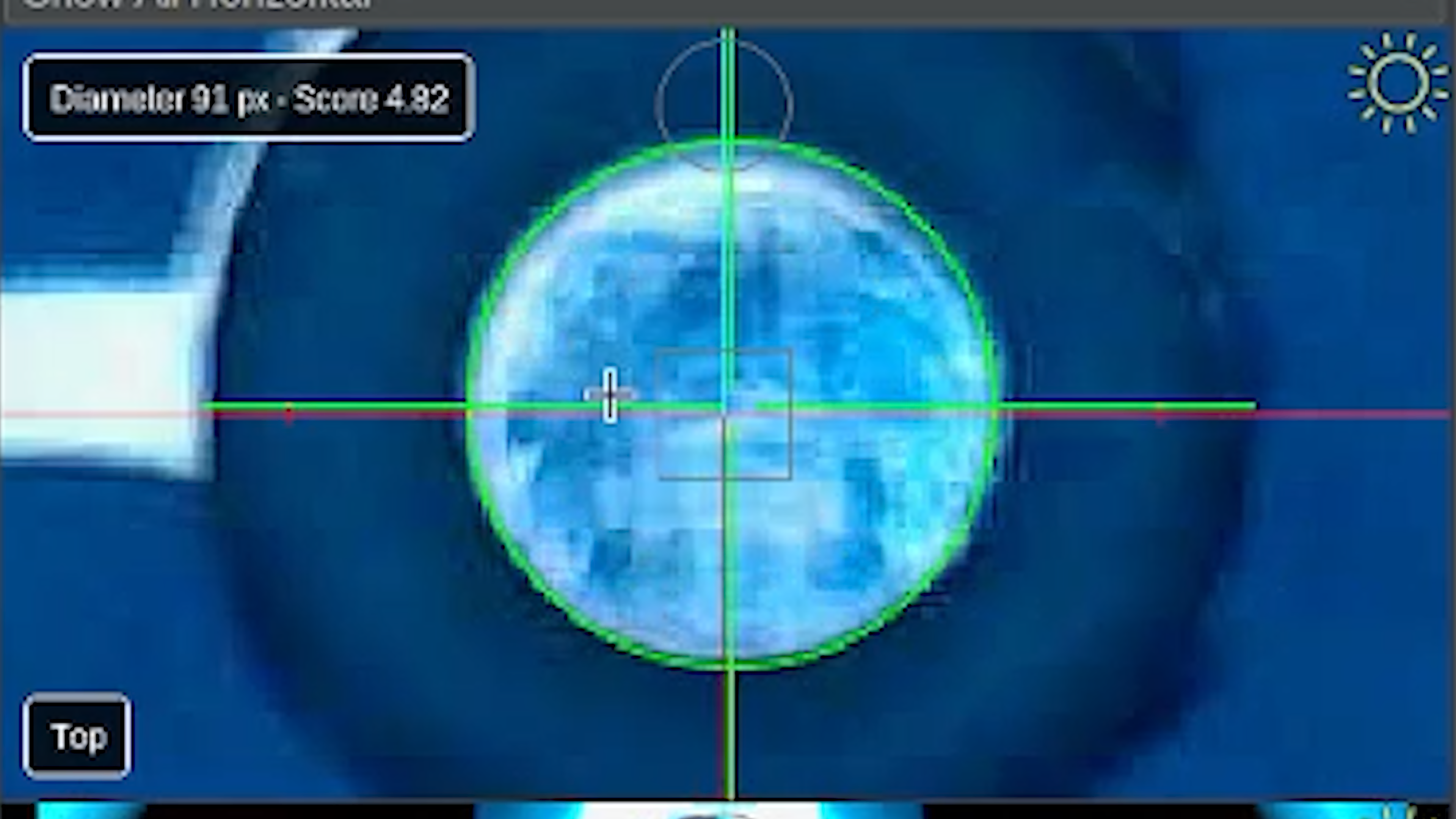
- When adjusting the feature diameter, in the top camera view, a score appears beside the feature diameter size. Your goal is to get the highest score possible.
- A red dotted circle indicates that OpenPnP has not found an acceptable circle.
- A solid green circle indicates an acceptable detection.
About using the automatic scan feature:
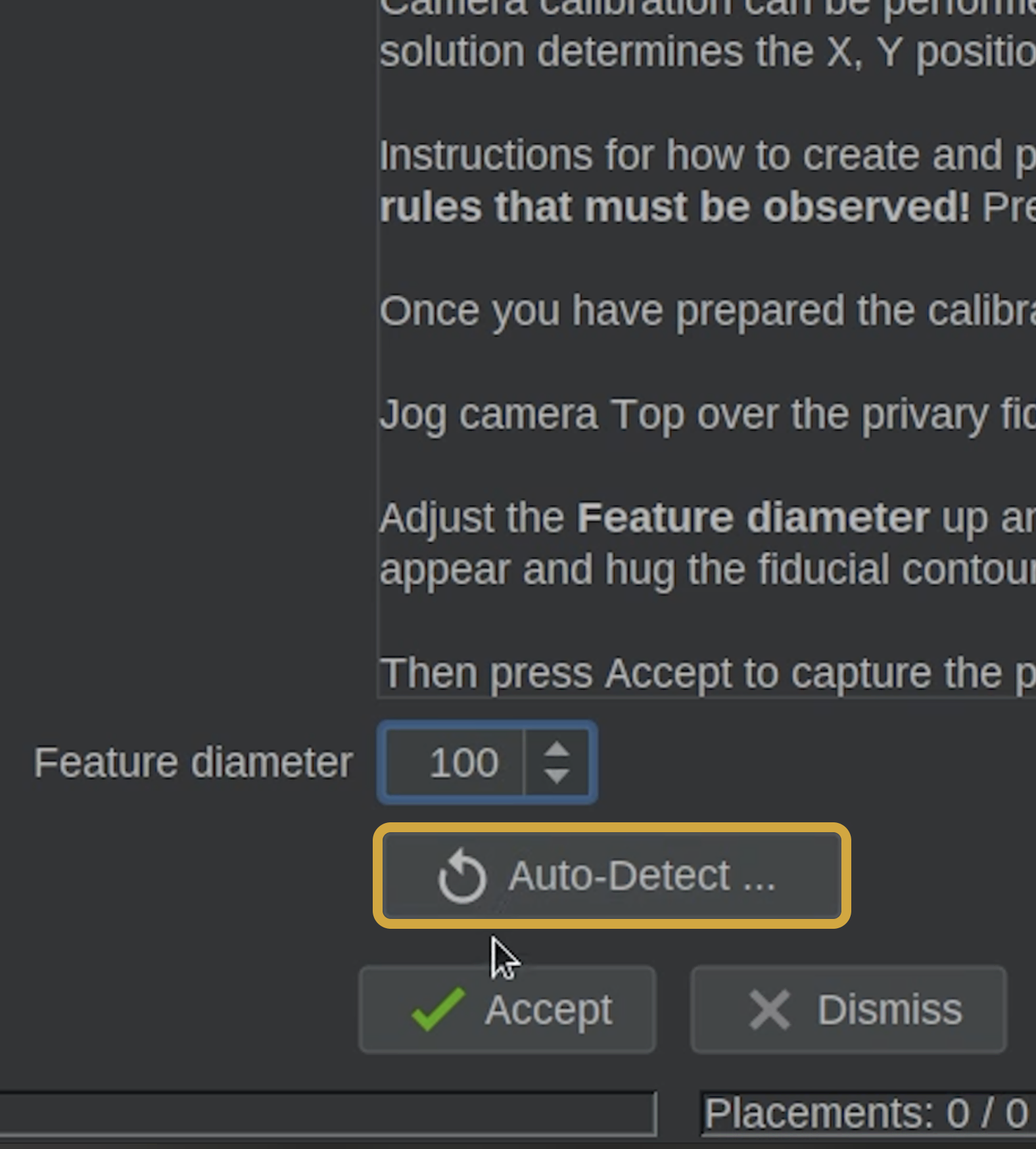
- If you are not sure what to set the Feature Diameter to, feel free to use the Auto-Detect button to ensure you get a good circle detection score.
- A red dotted circle will expand as OpenPnP searches for the fiducial, and when a potential match is found, the circle becomes solid green.
- OpenPnP continues searching and then selects best match it found.
- It can take a while for the whole process to complete. The scan will auto update the Feature Diameter when it is done.
Step 6 of 8
Step 6: Accept the Calibration
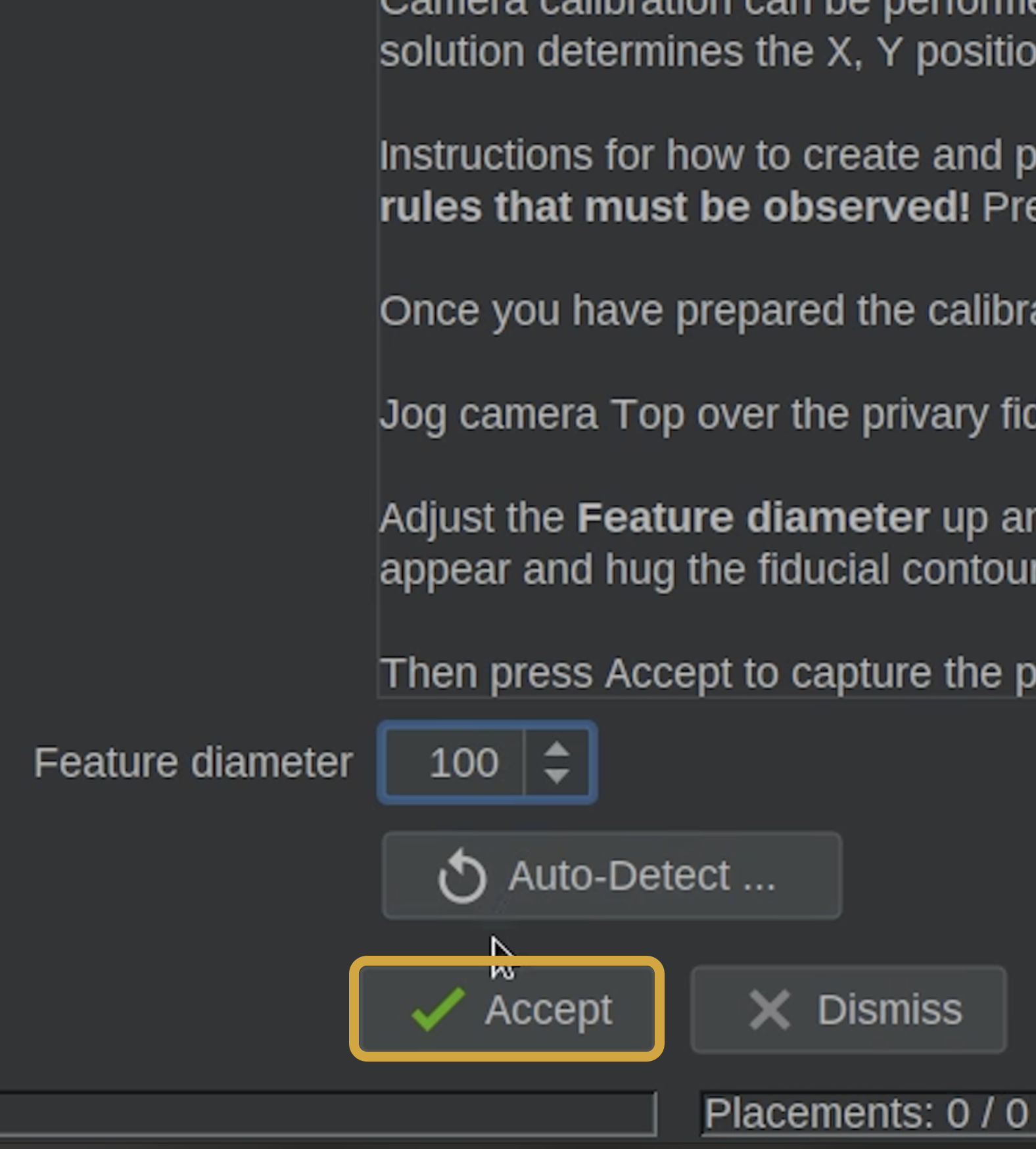
- Once you are satisfied with the detected circle, click the Accept button below the feature diameter.
- OpenPnP will briefly move the camera around the fiducial to calculate its position.
- Allow the process to finish without interrupting the machine.
Why Does the Machine Move?
OpenPnP uses these small movements to calculate the fiducial position and begin calibrating the top camera.
These movements are expected during this step.
Step 7 of 8
Step 7: Refresh Issues & Solutions
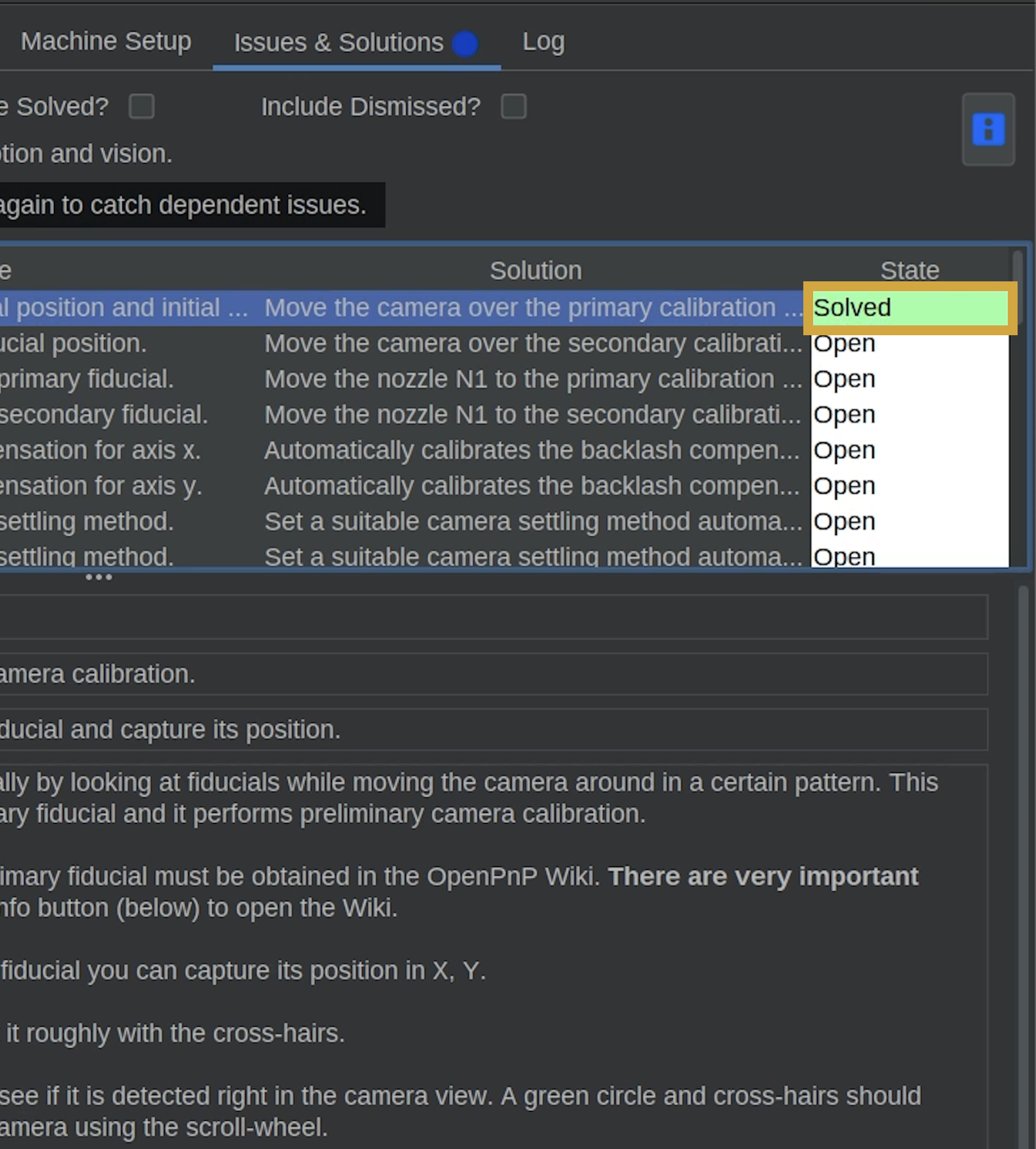
- Confirm that the primary fiducial issue is marked Solved.
- Click Find Issues & Solutions to refresh the task list.
- OpenPnP will identify the next task requiring attention.

Step 8 of 8
Next Steps
Primary Fiducial Calibrated
You've successfully established the primary calibration fiducial's position.
This fiducial will serve as an important reference point for normal operation.
- Next, we'll locate and calibrate the secondary fiducial using the same general process.